Installation
Before you can create timers, you need to install the app in your Shopify admin and ensure it can connect to your theme.
- Install the app: Go to the Shopify App Store, find "Ultima Countdown Timer," and click "Add app." Follow the on-screen prompts to install.
- Launch the app: After installation, you can find the app in your Shopify admin under Apps > Ultima Countdown Timer.
- Initial setup: The app will automatically attempt to connect to your current theme. In most cases, no further action is needed. You'll land on the main Timers dashboard.
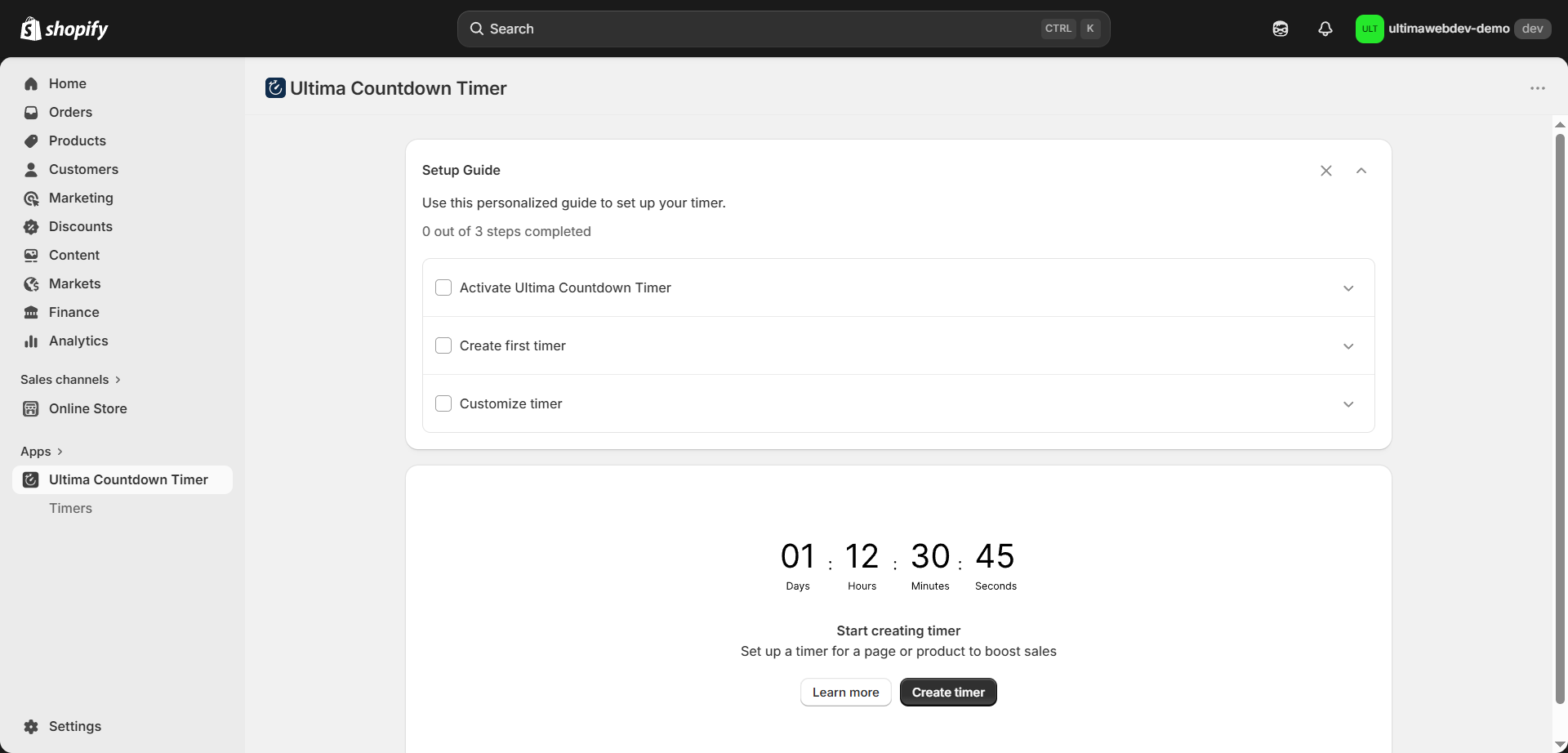
Next, you need to activate the app in the theme editor. To do this, go to the Setup Guide section and click App embeds under Activate Ultima Countdown Timer.
-2d59930345b746524080124ddd038367.png)
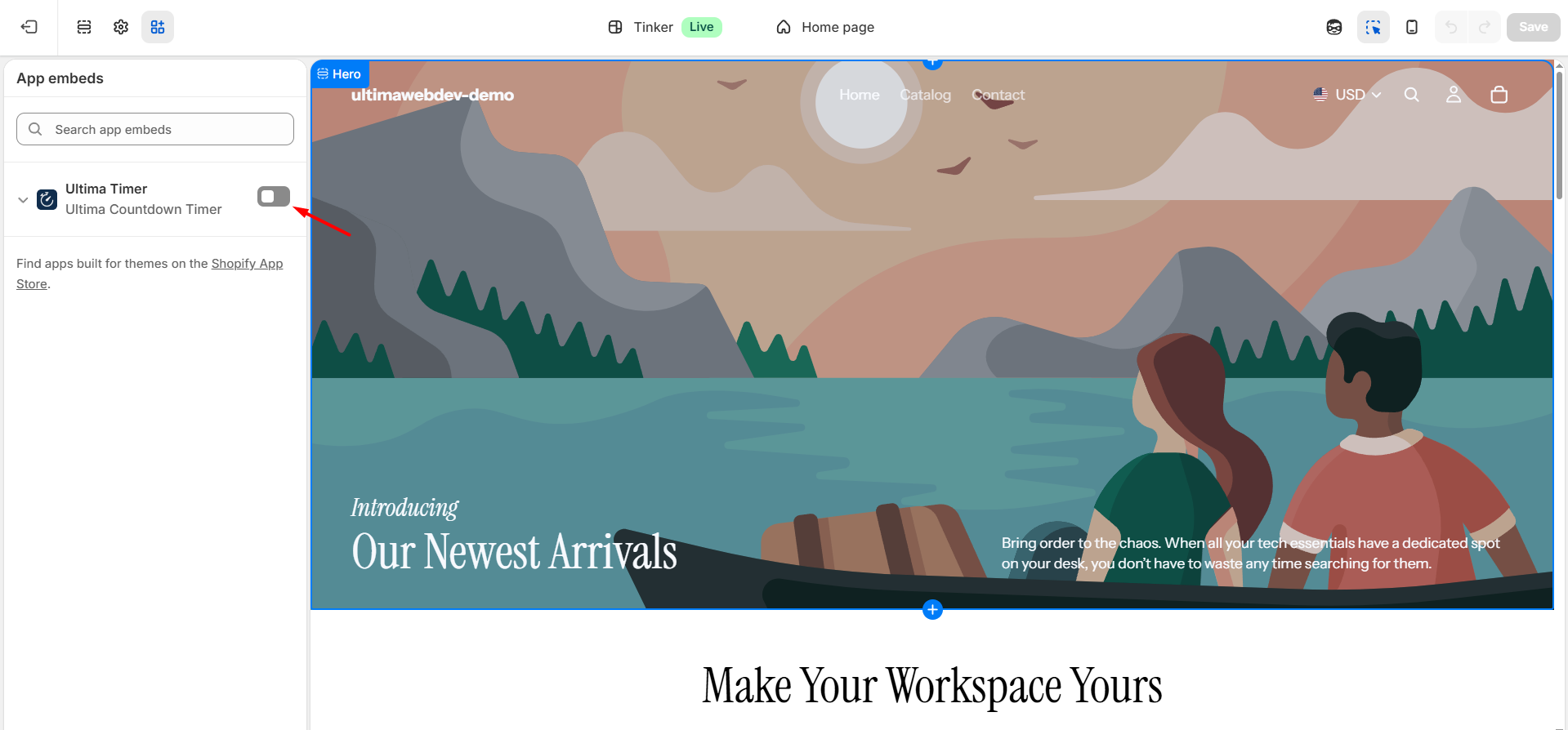
Then, in the App embeds tab, click Activate
And save your changes
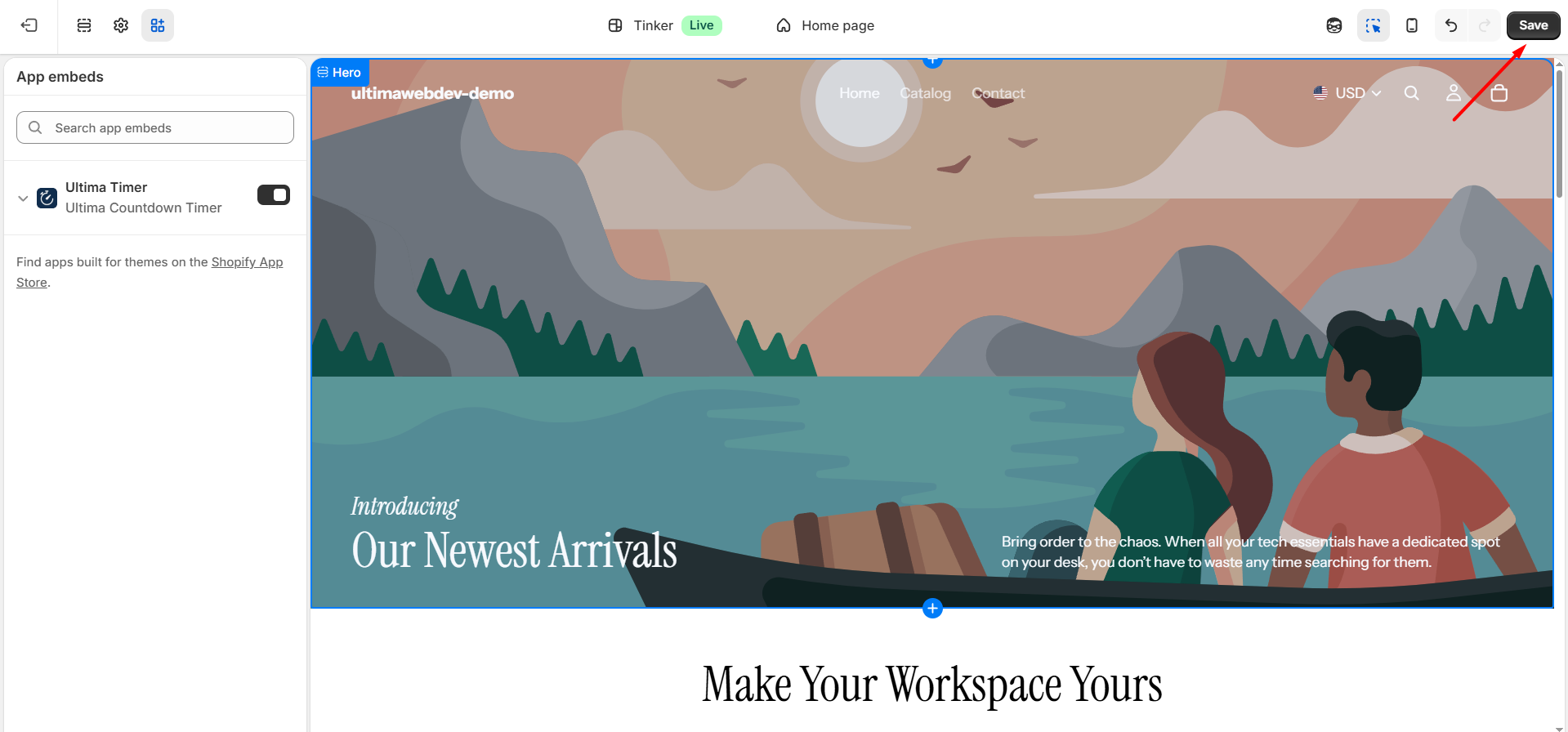
You can now close the Edit Theme page and proceed to create a timer.